
Remote Linux Terminal
Meet rtmn, a Telegram-to-Terminal gateway for Linux, and the reason its most interesting feature is how plainly it tells you what it is.
It is late. The small Linux machine in the corner of the room, the one with no monitor and the one you stopped thinking about months ago, has stopped doing its job. A service has fallen over, or a disk has filled, or something is printing logs faster than anyone could read them.
You know the fix. It is probably one line.
But you are not at your desk. You are on a train, or in bed, or standing in a café with nothing but a phone in your hand.
The fix was never the hard part. Reaching a place where you can type it was.
The Distance Between You and One Line
A terminal is a place you have to go to. Usually that means a PC, a console, a keyboard, and a few minutes of settling in. For a company with an operations team, that is a rounding error. For one person with a spare PC quietly serving files, or a small home lab humming in a closet, it is most of the cost of ownership, and it tends to arrive at the worst possible moment.
Meanwhile, one kind of app is already open on the device in your pocket: a chat app.
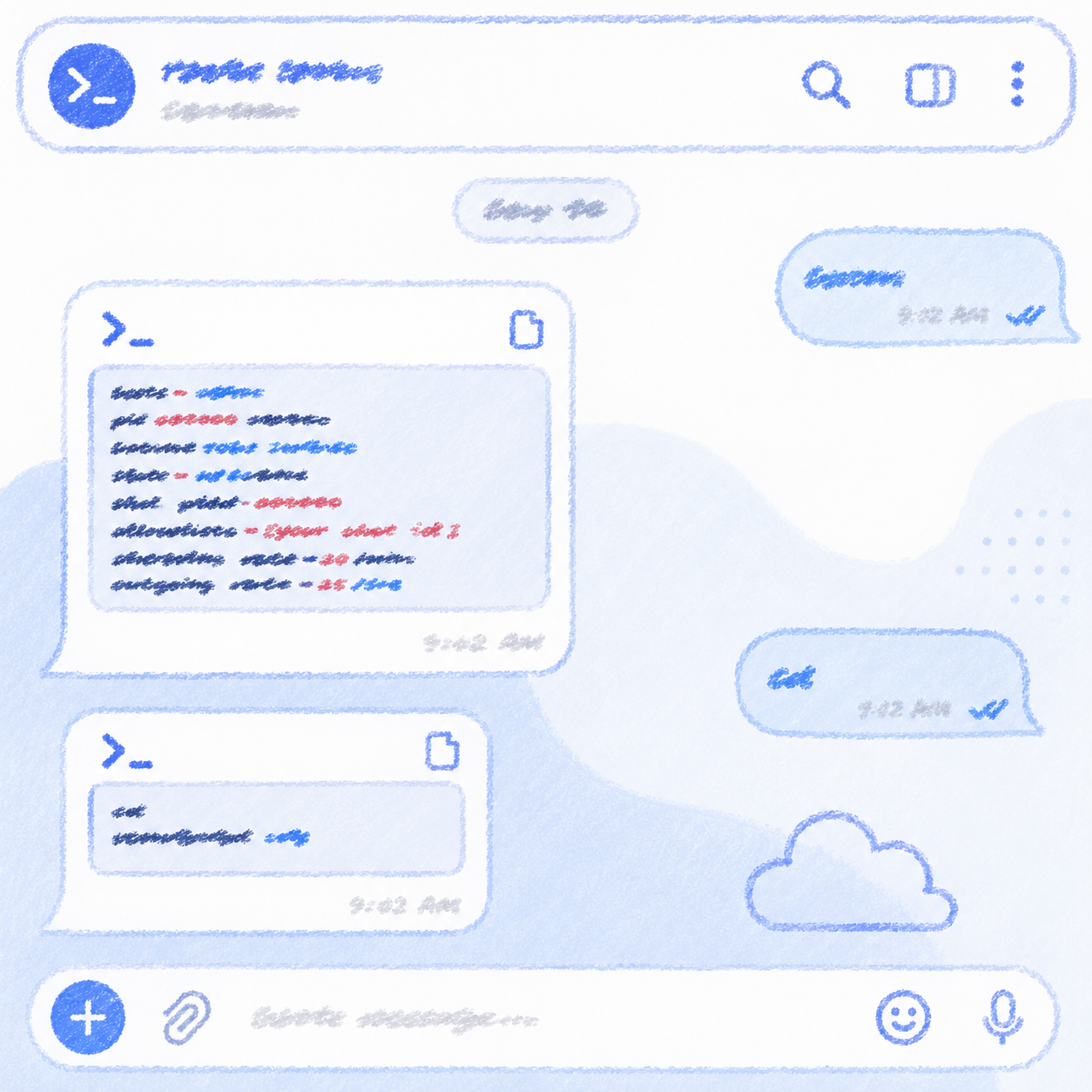
That is where rtmn begins. Its documentation describes a gateway built to ease the inconvenience of always needing a PC or console to reach a terminal [Source 1]. The idea is almost embarrassingly simple. You send a message to a Telegram bot. The message becomes a command on your Linux server. Whatever the command prints comes back as another message.
Telegram chat
  → Telegram Bot API
  → rtmn (systemd service)
  → the shell of a Linux account you chose
  → output
  → Telegram chat
That is the entire trick. There is no web console to host and no dashboard to patch. The text you send goes to the shell itself. Type ls -la and a directory listing comes back. Type tail -f /var/log/syslog and the log scrolls by in your chat, just as the documentation’s own examples suggest [Source 1].
A Keyboard Made of Slash Commands
A chat window has no Ctrl-C, and that matters more than it sounds. A terminal you cannot interrupt is a trap.
So rtmn adds a short list of slash commands that stand in for the keys and decisions a chat window cannot express [Source 1]. /sigint sends Ctrl-C to the shell, which makes it the panic button for output that will not stop. /restart replaces a wedged shell without taking the gateway down with it. /status tells you the time, the uptime, the process ID, and who is on the allowlist.
The quiet one is /lock. It blocks shell input while control commands still get through, like putting the keyboard in a drawer. It is useful when the phone is about to be set down on a café table. /unlock takes the keyboard back out.
Then there are /reboot and /shutdown. They run with the service account’s own system permissions, so whether they work depends on the host’s sudoers or polkit policy [Source 1]. rtmn does not hand out power. It borrows whatever the Linux account already has. That detail is easy to skim past, and it comes back later.
Two Conversations and One File
Setup starts with two chats inside Telegram. One is with @BotFather, where /newbot produces a bot token. The other is with @userinfobot, which tells you your chat ID [Source 1]. After that, the rest is a single file.
rtmn is a static Go binary with no external dependencies. It registers itself with systemd, starts at boot, and is restarted by systemd within five seconds if it crashes [Source 1]. You run the interactive installer as the Linux account that should execute your commands. It asks for the bot token with terminal echo switched off, checks the token with Telegram before committing to anything, and uses sudo only for the steps that truly need root.
Then your phone buzzes. A startup notification arrives with the hostname, process ID, start time, shell path, and allowlist. If it shows up, the gateway is alive [Source 1].
The requirements are modest, and they are honest about their edges. You need Linux with systemd, root during installation, and outbound HTTPS to Telegram. The stock binary is for x86_64, and ARM needs a custom build. Because rtmn polls Telegram instead of waiting for connections, the only network requirement listed on its main documentation page is outbound HTTPS [Source 1]. If your closet machine is an ARM board, this is not the binary for you yet.
A Tool That Expects the Bad Night
Read rtmn’s self-defense table and one thing stands out. Nearly every row begins with an assumption that something will go wrong [Source 1].
The wrong chat. On startup, rtmn greets every chat on the allowlist. If you mistyped an ID, or included a chat that should not be there, that chat receives the greeting too. The mistake announces itself the first time the service starts. rtmn also broadcasts when it is shut down by SIGTERM, SIGINT, or a panic, so it says hello and goodbye.
The runaway output. Run yes or tail -f carelessly and a shell can produce output forever. By default, when output passes 256 KB, rtmn sends an automatic interrupt and tells you. It also paces itself against Telegram’s own limits, with a per-chat limit on incoming messages, a global limit on outgoing ones, respect for Retry-After, and exponential backoff, so a noisy command does not get the bot banned.
The crash loop. A configuration error exits with code 78, and the systemd unit is told not to restart on that code. A service that cannot start tells you once instead of hammering away indefinitely.
The leaked token. Logs and audit records show only the first eight characters of the token. If a token does leak, rotate-token validates the new one with Telegram, rewrites the environment file atomically, and restarts the service. If the restart fails, it rolls back to the previous token.
The record. Commands, lifecycle events, rejected messages, and output floods all go into a JSONL audit log. Every rejected message is recorded with its reason: not_allowed, rate_limited, locked, or interactive_blocked. By default the log rotates at 10 MB and keeps up to five backups.
None of this is glamorous. These are the features you write after imagining the bad night in advance.
The Part That Should Not Be Softened
A tool like this invites one comfortable misunderstanding, so it is worth saying plainly. An allowed Telegram chat is, in effect, a login. The Security Guide tells operators to treat it as shell access to the configured Linux account [Source 2]. If an allowed chat ID is compromised or allowlisted by mistake, commands run with that account’s permissions [Source 3].
The same honesty runs through a smaller feature. Chat is message-based, and full-screen programs expect live keystrokes and draw with escape codes that rtmn filters out. Run vim or top through it and you would get a frozen screen. So rtmn blocks a default list of such programs, including nano, vim, less, man, top, htop, and tmux, before they run. It even looks past wrappers like sudo.
The documentation then calls this a convenience guardrail and not a security boundary. It says plainly that a trick as simple as assigning the program name to a variable is intentionally not caught [Source 1]. The real boundaries are the chat allowlist, the Linux account’s permissions, the sudoers policy, filesystem permissions, and network access controls [Source 2]. This is the “borrowed power” from earlier. What rtmn can do is decided almost entirely by what you let the account do.
A few habits follow from that:
- Keep the allowlist short. The installer itself pushes back at six or more entries unless you force it [Source 1].
- Never run it as root. The Security Guide lists
User=rootas not recommended [Source 2]. - Give every server its own bot token. Two servers polling one token race each other, and you cannot predict which one answers. A shared token also widens the damage if it leaks [Source 2].
- Keep the environment file root-owned with mode
0600, and review the audit log regularly [Source 2].
There is also something the architecture diagram makes plain, even though the documentation does not dwell on it. Every command you send and every line of output you receive crosses Telegram’s Bot API. The shell stays on your machine, but the channel does not belong to you. A fair rule of thumb is that if you would not say it aloud in a corridor, you should not cat it into the chat. It is the same instinct as the argument in our earlier post on personal data, that the best security is the kind you practice yourself.
One Server, Several Doors
Some servers need more than one gateway, for example separate ones for operations, applications, and administration. The documentation’s answer is separate instances, each with its own Linux account, bot token, environment file, audit log path, and systemd service name [Source 4]. Its example instances are named ops, app, and admin.
The logic is the same as before. Each door opens only onto what its own account is allowed to do, and a leaked key opens only one of them.
What It Is Not For
rtmn is not a text editor in your pocket. If you need a long session of careful editing, a real terminal at a real keyboard still wins. It is not for systems without systemd, and it is not for ARM boards without a custom build. It is also not for any environment where you cannot vouch for every chat on the allowlist. The documentation itself recommends using it only where the environment is guaranteed safe [Source 1].
What it is for is smaller. It is the quick look, the restart, the interrupt, and the answer to “is it still running?”, delivered by a tool that has thought about being wrong.
Small Tools for a Private Network
Back to the late-night scene, then. The phone is in your hand. You send one line, watch the answer arrive, and put the phone away.
A terminal in a chat window is exactly as safe as the habits around it. That is not a flaw to hide. It is the first thing worth knowing, and rtmn says so on its very first page.
Primary Sources
- [Source 1] Ubient Documentation, “Remote terminal(rtmn)” (documentation for version 1.1.2)
- [Source 2] Ubient Documentation, “Remote terminal(rtmn): Security Guide”
- [Source 3] Ubient Documentation, “Remote terminal(rtmn): Overview”
- [Source 4] Ubient Documentation, “Remote terminal(rtmn): Account-Isolated Installation”